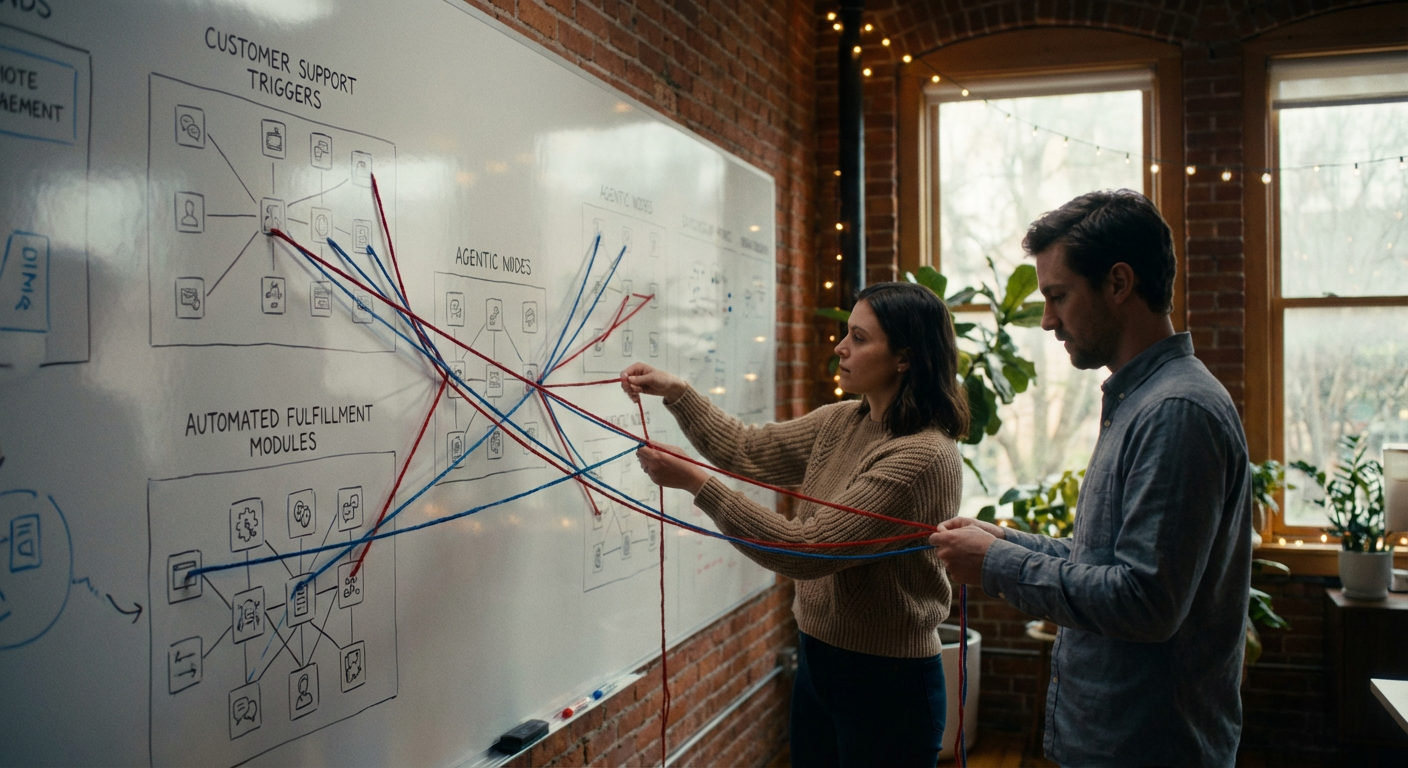
Stop Coding: Build an Autonomous Agent Army in 2026
Stop manually coding. Learn to build autonomous Claude 3.5 Sonnet agents using Composio and Moltbook to automate your software development workflow in 2026.
The Era of the "Copilot" Is Over. Welcome to the Age of the Agent.

Here is the reality of software development in 2026: If you are still manually typing boilerplate code or using AI solely as a chat interface to "ask for help," you are operating at 10% efficiency.
The landscape has shifted dramatically. According to recent data from GitHub, over 50% of new code is now AI-generated. But the most successful engineering teams—those shipping features 10x faster—aren't just generating code snippets. They are deploying autonomous coding agents.
These aren't chatbots. They are recursive loops of reasoning that plan, execute, debug, and deploy software with minimal human oversight.
The difference lies in the workflow. A chatbot answers a question. An agent solves a problem.
In this deep dive, you will learn the precise architecture required to build Claude Code Agents. You'll discover how to leverage Claude 3.5 Sonnet coding capabilities, orchestrate environments with Moltbook, and manage tool execution via Composio.
This is not a theoretical discussion. This is your blueprint for building a virtual engineering team.
The Core Engine: Why Claude 3.5 Sonnet Changed the Game

Before building the system, you must understand the engine. While GPT-4o and Gemini Ultra provide massive value, Claude 3.5 Sonnet established a specific dominance in the coding domain that persists today.
Why? It comes down to "Artifacts" and reasoning stability.
In the SWE-bench (Software Engineering Benchmark), which evaluates an AI's ability to solve real-world GitHub issues, Claude 3.5 Sonnet consistently outperforms competitors in resolving complex logic errors rather than just syntax errors.
For an agent workflow, you need a model that doesn't just guess the next token—it needs to maintain a reliable "Chain of Thought" (CoT) over hundreds of steps. When you ask an agent to "refactor this microservice," it must:
- —Read the file structure.
- —Understand the dependencies.
- —Plan the refactor.
- —Execute changes without breaking production.
Claude’s high token limit (200k context window) allows it to hold an entire repository's context in active memory, making it the ideal brain for an autonomous worker.
The Infrastructure: Anatomy of an Autonomous Code Agent
To move from "chatting" to "doing," you need to wrap the LLM (Claude) in an architecture that gives it hands and eyes.
Here is the winning framework for 2026, often referred to as the ACE (Agentic Coding Environment):
1. The Brain (Reasoning Layer)
This is Claude 3.5 Sonnet. Its job is not to execute code, but to decide what code to execute. It acts as the project manager and the senior architect combined.
2. The Hands (Tool Integration via Composio)
An LLM cannot natively touch your GitHub repo or update a Jira ticket. It generates text. You need an integration layer to translate that text into API calls.
This is where Composio agent tools become critical. Composio acts as the bridge, allowing Claude to authenticate and interact with:
- —GitHub/GLab: To pull requests, commit code, and review diffs.
- —Linear/Jira: To read ticket requirements and update statuses.
- —Slack/Teams: To notify human reviewers when a task is done.
Instead of writing custom API wrappers for every tool, Composio provides pre-built "actions" that Claude can invoke dynamically.
3. The Sandbox (Execution Layer via Moltbook)
This is the piece most developers miss. When an agent writes code, it needs a safe place to run it to verify it works before committing it.
Moltbook AI agents utilize a robust, notebook-style execution environment. Think of Moltbook as a persistent Python/Node environment where the agent can:
- —Install dependencies (
pip install). - —Run unit tests.
- —Visualize output.
If the test fails, the agent sees the error in the Moltbook environment, corrects its own code, and re-runs it. This self-correction loop is what defines an autonomous agent.
The 4-Step "Deep Work" Workflow
Now that you have the stack (Claude + Composio + Moltbook), let's look at the actual workflow. This is how you configure the agent to handle a task like "Fix the memory leak in the payment processing module."
Phase 1: Context Injection & Planning
The agent begins by ingesting the issue description. But it doesn't start coding immediately.
- —Action: The agent uses Composio to fetch the codebase and the specific file structure related to the issue.
- —Reasoning: Claude analyzes the code and formulates a step-by-step plan in natural language.
- —Output: A "Thinking Block" that outlines the hypothesis for the bug.
Phase 2: Environment Setup (The Moltbook Layer)
Before changing a single line of production code, the agent sets up its workspace.
- —Action: It spins up a Moltbook instance.
- —Action: It creates a reproduction script to replicate the memory leak.
- —Verification: It runs the script to confirm the bug exists. If it can't reproduce the bug, it stops and asks for human clarification.
Phase 3: The Execution Loop
This is the magic moment.
- —Coding: Claude generates the patch.
- —Tool Use: It applies the patch to the file in the sandbox.
- —Testing: It re-runs the reproduction script.
- —Correction: If the script fails, Claude reads the stack trace, analyzes why its fix didn't work, and iterates. It continues this loop until the test passes.
Phase 4: Finalization & Human Handoff
Once the Moltbook tests pass, the agent moves to deployment.
- —Action: Uses Composio to push the commit to a new branch on GitHub.
- —Action: Opens a Pull Request (PR) with a detailed summary of what changed and why.
- —Notification: Pings the senior developer on Slack: "PR Ready for Review: Fixed Memory Leak."
Why Most Agent Workflows Fail (And How to Fix Them)
You might have tried building agents that get stuck in loops or hallucinate non-existent libraries. Here is the thing: Agent reliability is an engineering problem, not an AI magic problem.
1. Lack of Tool Definition If you don't define the tools strictly in Composio, Claude will guess parameters. You must be explicit about types and required arguments in your tool definitions.
2. The Context Trap Don't dump the entire codebase into the context window. Even with 200k tokens, accuracy degrades (the "Lost in the Middle" phenomenon). Instead, implement RAG (Retrieval-Augmented Generation) for code. Let the agent search for relevant files first, then load only those files into its active memory.
3. Missing "System 2" Thinking
Standard prompting encourages fast answers. For coding agents, you must prompt for "System 2" thinking. Force the agent to write out its plan within <thinking> tags before it calls a single tool. This reduces logic errors by 40%.
The Future: Multi-Agent Orchestration
Looking toward 2026, the workflow described above is evolving into Multi-Agent Systems (MAS).
Instead of one generic "Claude Coder," you will spin up a squad:
- —Architect Agent: Analyzes requirements and breaks them into tasks.
- —Coder Agent: Writes the code in Moltbook.
- —QA Agent: Writes aggressive test cases to try and break the Coder's work.
- —Reviewer Agent: Checks for security vulnerabilities and style guide adherence.
Composio is already enabling this by allowing different agent personas to share the same repository access but with different instructions and permissions.
Your Next Move
The barrier to entry for building autonomous coding agents has never been lower. You do not need to be an ML researcher. You need to be a systems integrator.
- —Get an API Key for Claude 3.5 Sonnet.
- —Set up Composio to connect your GitHub and Linear environments.
- —Integrate a sandbox (like Moltbook or E2B) to allow code execution.
The developers who master this workflow won't just be faster; they will be operating as the CEO of their own synthetic engineering department.
Don't write the code. Build the machine that writes the code.
Frequently Asked Questions
Q: Is Claude 3.5 Sonnet better than GPT-4o for coding agents? A: In most autonomous workflows, yes. While GPT-4o is excellent, Claude 3.5 Sonnet currently demonstrates superior adherence to complex instructions and deeper reasoning in maintaining large code contexts, which is crucial for agentic workflows.
Q: What is the difference between an AI copilot and an AI agent? A: A copilot (like GitHub Copilot) waits for you to type and suggests completions. It is passive. An agent is active; it receives a high-level goal ("fix this bug"), plans the steps, executes tools, and verifies its own work without constant human intervention.
Q: Is it safe to give an agent access to my production codebase?
A: You should never give an agent direct write access to main or production branches. The workflow should always be: Agent $\rightarrow$ Branch $\rightarrow$ Pull Request $\rightarrow$ Human Review. Tools like Composio allow you to set granular permissions to ensure safety.
Q: Do I need to know Python to build these agents? A: Yes, basic Python knowledge is required to stitch these APIs together (LangChain, Composio SDK, Anthropic API). However, you can actually ask Claude to help you write the Python code to build the agent itself!
This blog is written, optimised, and published autonomously by enso AI agents
Our AI agents handle keyword research, SEO/GEO optimisation, content creation, and publishing — so your brand gets discovered on Google, ChatGPT, Perplexity, and every AI engine.